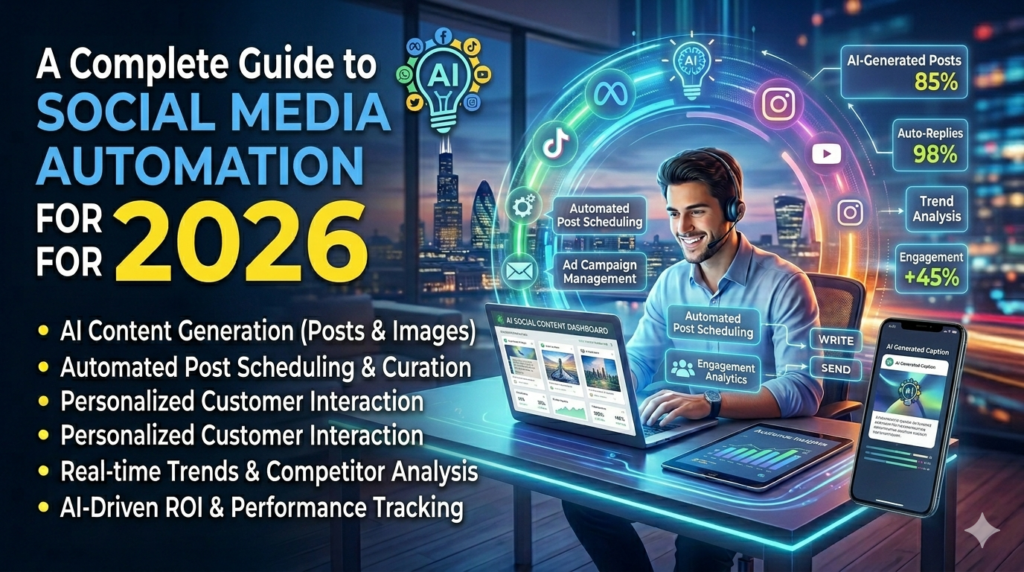
Introduction
Creating content for 5 platforms every day is a full-time job. Most small business owners and creators simply don’t have the time.
AI-powered social media automation tools can write your captions, create visuals, schedule posts, and even reply to comments — automatically.
In this guide, you’ll see which tools do what, how to set up a full automation system, and practical tips to keep your content feeling human.
What is Social Media Automation with AI Automation?
Social media automation means using software to plan, create, schedule, and publish content across platforms like Instagram, LinkedIn, Facebook, Twitter/X, and TikTok — without doing it manually every day.
AI makes this smarter: it can analyze what performs best, suggest optimal posting times, write captions using your brand voice, and repurpose long-form content into short posts.
For a deeper look at how AI powers marketing workflows, explore the AI for Marketing (https://aitoolfarmer.com/category/ai-for-marketing/) resource hub.
Benefits of Using AI for This
- Consistent posting schedule without daily effort
- AI-generated captions and hashtag suggestions
- Repurpose one blog post into 10 social posts automatically
- Analytics to know what’s working and what’s not
- Cross-platform publishing from a single dashboard
- More time for strategy and creativity
Best AI Tools for This
Buffer
Description: A simple, clean scheduling tool with AI writing assistant for captions. Great for beginners.
Use Case: Solo creators and small teams managing multiple platforms.
Pricing: Free plan; paid from $6/month per channel
Website: https://buffer.com/
Hootsuite
Description: Enterprise-grade social media management with AI caption writer, bulk scheduling, and analytics.
Use Case: Marketing agencies and large teams.
Pricing: Starts at $99/month
Website: https://www.hootsuite.com/
Lately.ai
Description: AI that learns your brand voice and automatically turns long-form content (blogs, podcasts, videos) into social posts.
Use Case: Content marketers and B2B companies.
Pricing: Custom pricing
Website: https://www.lately.ai/
Publer
Description: Schedule posts, generate AI captions, design visuals with Canva integration, and analyze performance — all in one place.
Use Case: Small businesses and freelancers.
Pricing: Free plan; paid from $12/month
Website: https://publer.io/
Metricool
Description: Schedule, analyze, and manage ads across all major social platforms. Strong analytics dashboard.
Use Case: Brands that rely on data to guide social strategy.
Pricing: Free plan; paid from $22/month
Website: https://metricool.com/
Taplio
Description: AI tool specifically built for LinkedIn automation — content ideas, scheduling, engagement, and DM sequences.
Use Case: B2B founders, coaches, and consultants growing on LinkedIn.
Pricing: Starts at $65/month
Website: https://taplio.com/
Repurpose.io
Description: Automatically repurposes content across platforms — turns YouTube videos into TikToks, podcasts into reels, blogs into posts.
Use Case: Podcasters, YouTubers, and content creators.
Pricing: Starts at $25/month
Website: https://repurpose.io/
How to Use AI Tools: Step-by-Step Guide
- Step 1: Define your posting goals: brand awareness, lead generation, or community building.
- Step 2: Choose 2 to 3 platforms where your audience is most active.
- Step 3: Set up a content calendar with themes for each week.
- Step 4: Use an AI tool like Lately or Buffer to generate posts from your content.
- Step 5: Schedule a week’s worth of posts in one sitting.
- Step 6: Set up automated responses for common DMs or comments where available.
- Step 7: Review analytics weekly and adjust your content mix.
Tips and Best Practices
- Batch create content once a week to stay consistent without daily effort.
- Customize captions for each platform — what works on LinkedIn doesn’t work on Instagram.
- Always review AI-generated content before publishing — add your personal touch.
- Use Stories and short-form video alongside scheduled posts for better reach.
- Track engagement, not just follower count.
- Don’t automate everything — reply to comments personally for authentic connection.
Conclusion
Social media automation doesn’t mean going robotic. It means working smarter — letting AI handle the repetitive tasks while you focus on strategy and connection. Start with one platform, one tool, and build from there. Check out our full AI Automation (https://aitoolfarmer.com/category/ai-automation/) library for more ways to save time.
Ready to Grow Smarter?
💡 Confused where to invest? Enter your budget and discover global opportunities with WealthFinder →